
Get started with CryptAPI
Pick the path that fits your business. Both pay you in your own wallet, with no sign-up and no API key.
Use a plugin
For online stores and billing platforms.
- 1
Install the plugin
For WooCommerce, Magento, OpenCart, PrestaShop or WHMCS.
- 2
Add your wallets
Add a wallet address for each coin you want to accept.
- 3
Get paid
Customers pay at checkout, and each payment is forwarded to your wallet.
Use the API
For custom checkouts, apps and services.
- 1
Request an address
Send your wallet address and a callback URL to
create/. - 2
Show it to your customer
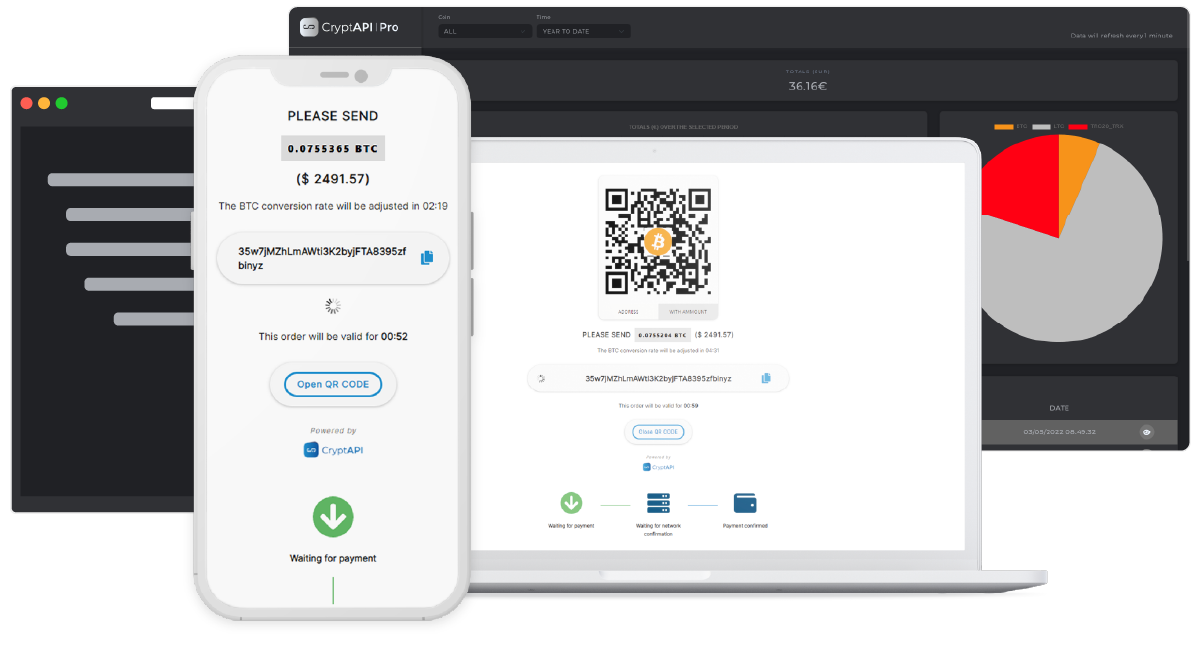
Display the address or its QR code.
- 3
Handle the callback
CryptAPI calls your URL when the payment confirms.
Before you go live with the API
Test with Litecoin first. Its fees are low and it confirms quickly.
Check the minimum for each coin, and don't accept orders below it. See minimums
Add a secret value to each callback URL, check it on every callback, and verify the callback signature. How to verify callbacks
Reply with
*ok*or HTTP 200 to each callback, or CryptAPI will send it again.
Need help?
Developers
Review Us