
Accept crypto payments in your online store
Install the CryptAPI plugin for your platform, add your wallet addresses, and your customers can pay in Bitcoin, USDT and 100+ other coins and tokens. No sign-up or API key.
Choose your platform

WooCommerce
For WordPress stores.
Requires WordPress 5.8+, WooCommerce 5.8+ and PHP 7.2+.

PrestaShop
For PrestaShop stores.
Requires PrestaShop 1.7+ and PHP 7.3+.

WHMCS
Lets your clients pay invoices in crypto.
Requires WHMCS 8.0+ and PHP 7.4+.


How it works
- 1
Install the plugin
Install the CryptAPI plugin for your platform.
- 2
Add your wallets
Add a wallet address for each coin you want to accept.
- 3
Get paid
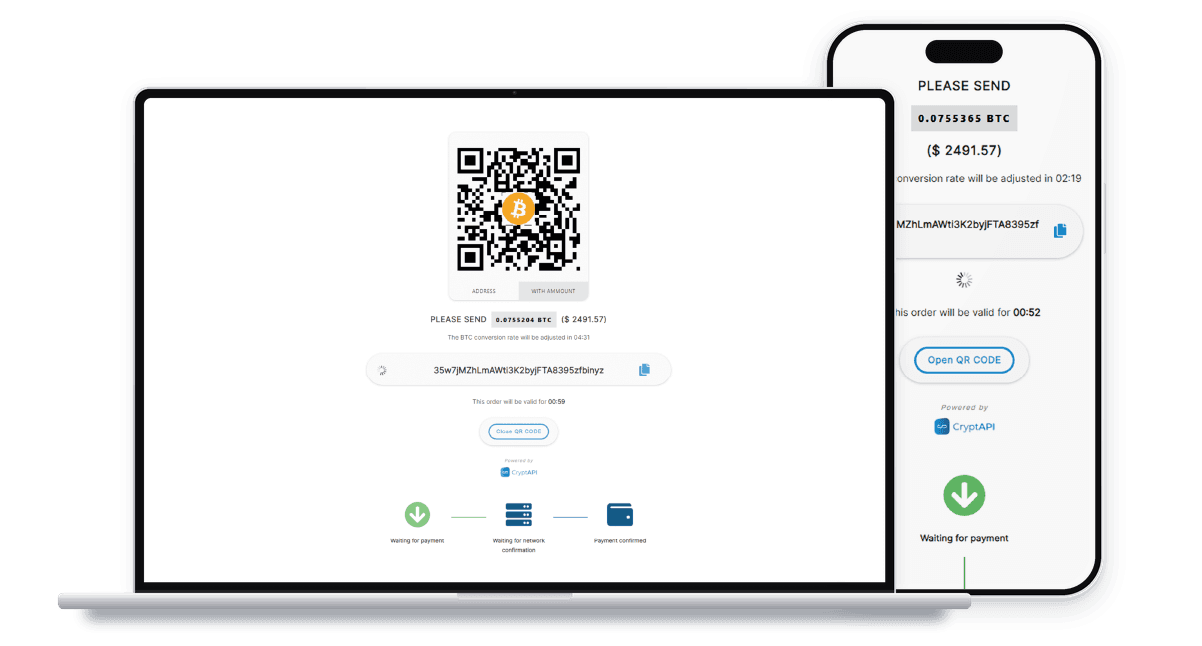
Your customer pays at checkout. CryptAPI forwards the payment, minus fees, to your wallet and notifies your store.
What the plugins do
Prices in your currency
The plugin converts each price into the coin your customer picks.
Paid to your wallet
Each payment goes to the addresses you set, minus fees.
No account to create
You only add your wallet addresses.
Source code on GitHub
Every plugin's code is public on GitHub.
Questions about the plugins
Do I need an account or an API key?
No. You only add your wallet addresses in the plugin settings.
How much does it cost?
The plugins are free. CryptAPI's fee starts at 1% of each payment and falls to as low as 0.25% as your volume over the previous 30 days grows. Bitcoin, Bitcoin Cash and Litecoin also have a small minimum fee, so very small payments in those coins pay more than 1%. You also pay the network fee for forwarding the payment.
Is there a minimum order?
Yes. Each coin and token has a minimum amount per transaction, and it can differ between networks. CryptAPI ignores payments below it, and that money can't be recovered.
Do I need a cron job?
Only on OpenCart and PrestaShop, which need a cron job that runs every minute for some features. Each setup guide shows how.
Which coins can my customers use?
The ones you choose. Add a wallet address for each coin or token you want to offer.
Need help setting up?
Developers
Review Us
